Last checked 26 October 2026
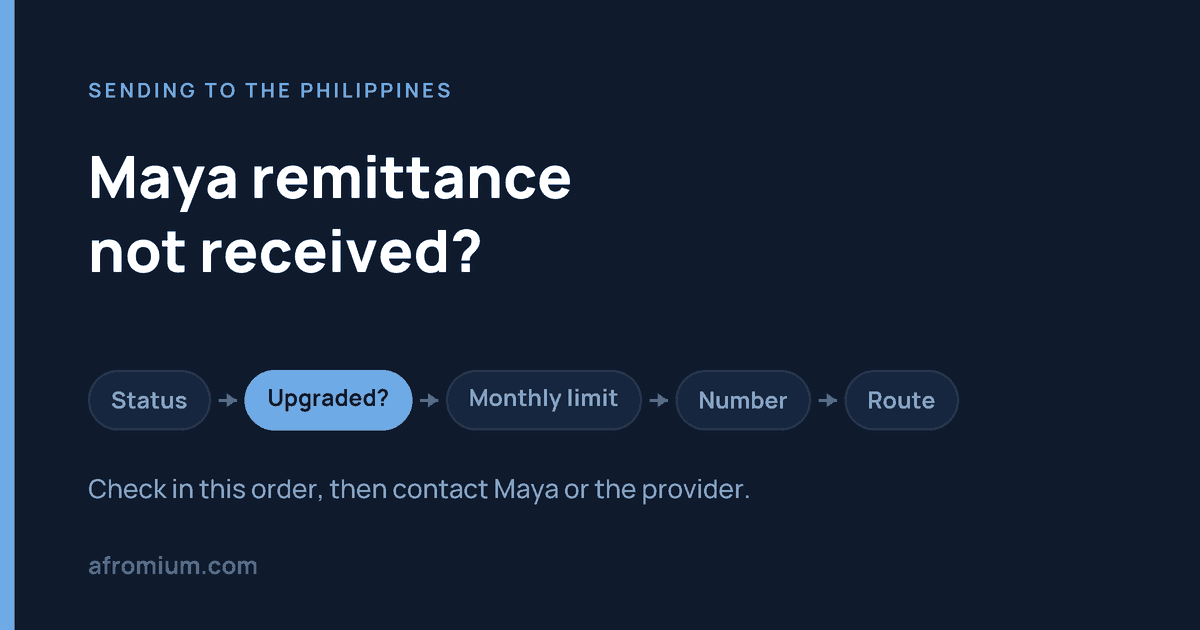
When money sent to a Maya wallet does not show up, the cause is usually one of five things: the provider has not paid it out, the wallet is not upgraded, this month’s limit is used up, the wallet number or name is wrong, or the money went by a route the recipient is not checking. Go through them in that order, then take the reference to whoever holds the money: Maya or the sender’s provider.
1. Is the money still with the provider?
Check the status in the sender’s app first. WorldRemit says transfers to GCash, Maya and other wallets arrive within minutes. Maya’s own page says Remitly credits a Maya wallet instantly. If the status still says processing or pending, the money has not reached Maya, and only the sender can chase it. If the status says delivered or completed and the wallet shows nothing, ask Maya as well. Remitly’s help centre says to contact it if a Delivered transfer has not arrived after 48 hours.
2. Is the wallet upgraded?
WorldRemit says a Maya wallet must be upgraded to receive an international remittance. If it is not, the transfer is automatically cancelled and the money is returned to the sender. Maya’s upgrade needs a video selfie, a valid ID, a verified address and verified personal information. Our guide to upgrading a Maya account has the steps, and our Maya guide explains the account levels.
3. Is there room in this month’s limit?
Maya’s monthly wallet limit covers everything that comes in during the month, not each payment separately. Maya gives its own example: a Basic user whose limit is ₱50,000 and who moved ₱10,000 in from a bank “can only receive 40K for the rest of this month”. As read on 26 October, Maya’s monthly limits are ₱50,000 for Basic and ₱100,000 for Upgraded, and Maya says they are subject to change. The recipient can see theirs in the app: log in, tap the profile button at the top left, then Account Limits.
4. Do the number and name match?
WorldRemit says the wallet number is the Philippine mobile number used to register the wallet. Taptap Send says to enter the number and the name exactly as registered in the app, and warns that a confirmed payment cannot be reversed. If you suspect a wrong number, contact the provider at once. The steps in our guide to sending money to the wrong GCash number apply to Maya as well.
5. Which Maya route did the sender use?
- Maya wallet. The usual route for Remitly, Wise, WorldRemit and Taptap Send.
- Maya Bank. Maya’s banking services run through a separate company, Maya Bank, Inc., which Remitly lists on its own for bank deposit only. It needs different details from the wallet. Ask the sender which one they chose.
- Western Union. The recipient claims in the app: Add Money, Western Union, then the 10-digit MTCN, check the details and tap Receive. Maya says this is available for upgraded accounts only. See how to track a Western Union transfer with the MTCN.
- MoneyGram. Maya says a MoneyGram.com sender sends to the recipient’s PayMaya Visa card, virtual or physical, so the sender needs the card details rather than a phone number.
Who to contact
| What the sender’s app shows | Contact first |
|---|---|
| Processing, pending, on hold or cancelled | The provider, with the transfer reference |
| Delivered or completed, nothing in the wallet | Maya, then the provider with Maya’s answer |
| Western Union and nothing in the wallet | Maya: claim with the MTCN in the app |
| A wrong number or name | The provider, immediately |
How to reach Maya
- In the Maya app, open your profile and tap Get help. Tap Chat with us, choose a topic, tap No when asked whether the article helped, then tap Raise a ticket or Chat with an agent.
- Maya says a ticket gets an email answer from no-reply@maya.ph within 2 working days.
- By phone, the Maya app hotline is +632 8845 7788, or 1800 1084 57788 toll-free in the Philippines. Maya says it is available daily from 8 AM to 7 PM, and after hours only for emergencies such as a lost phone or a suspected unauthorised transaction.
- Have ready: screenshots, the transfer receipt, any confirmation messages and the reference ID or ticket number.
Maya says to never share your password, OTP, card number or card CVV with anyone, even its representatives. It also says to check its service status page before contacting it, in case maintenance is affecting your transaction. For problems that involve another institution it gives a preliminary timeline and updates.
Questions people ask
How long should a transfer to Maya take?
The providers we read say minutes: WorldRemit says within minutes, and Maya’s page says Remitly credits instantly. Wise lists transfers to PHP as instant up to ₱50,000, though conversion can take up to 2 working days. If it has been more than a few hours, check the status.
Can the sender cancel and get the money back?
That depends on the provider and the status. WorldRemit cancels and returns a transfer to an unupgraded wallet. Taptap Send says a processed transaction cannot be reversed. Maya’s pages we read do not describe reversals, so ask the provider.
Should the sender send again to GCash instead?
Not until the first transfer has an outcome. Sending twice can leave you having paid twice.
How we checked this
On 26 October 2026 we read Maya’s contact, account limits, claim remittance and Remitly pages, WorldRemit’s Germany page for mobile money to the Philippines, Taptap Send’s Philippines page and Remitly’s help article on transfers that have not been delivered. Wise’s PHP guide was read on 24 October. We made no test transfer and have no Maya account to check a wallet’s own limits against.
Sources
- Maya: Contact us
- Maya: Account limits
- Maya: Claim remittance
- Maya: Remitly transfers to Maya
- WorldRemit (Germany): mobile money to the Philippines
- Taptap Send: send money to the Philippines
- Remitly Help (Germany): Why hasn’t my money been delivered?
- Wise: Guide to PHP transfers
Related
- Sending money to Maya from abroad: which services pay in
- GCash, Maya or a Philippine bank account: where should a remittance go?
- Money sent to GCash from abroad hasn’t arrived? What to check
- Sent money to the wrong GCash number from abroad?
Afromium does not make test transfers and is not affiliated with Maya or any provider named here. Every figure and rule on this page was read from the named source on the date given and is quoted, not estimated. Maya says its limits are subject to change, so check the Account Limits screen in your own app and your provider’s page before you act.